
guide
RoEx Automix Review: AI Mixing, Mastering, and Mix Check
A current RoEx review covering Automix, Mix Check Studio, supported files, workflow, rights, pricing cautions, and when to use a human engineer.
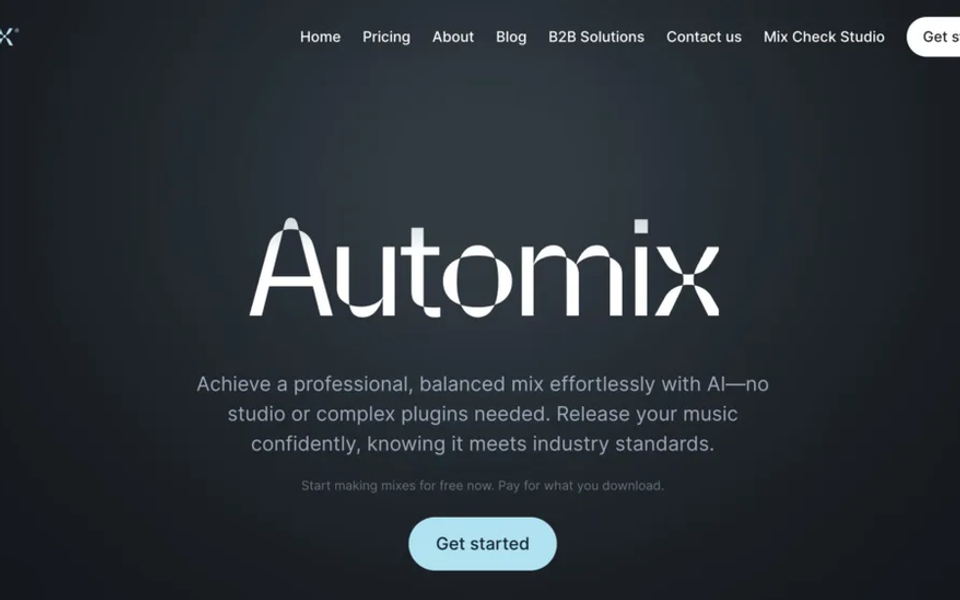
RoEx has evolved beyond the “AI mixing engineer in your pocket” description used in the original 2024 article. Its current product family separates two jobs: Automix processes multitrack stems into a mix and master, while Mix Check Studio analyzes or enhances an existing stereo mix. That distinction should decide which tool you open.
Automix versus Mix Check Studio
Automix is for sessions with separate instrument or vocal stems. RoEx says it analyzes the tracks and applies level balancing, panning, EQ, compression, and reverb. Mix Check Studio starts later in the process, when a stereo bounce already exists and the creator wants diagnostic feedback or mastering-oriented enhancement.
Neither product replaces taste. Automated processing can create a fast reference, reveal balance problems, or help finish a demo. A human engineer remains valuable when the mix depends on unusual aesthetics, detailed vocal rides, creative effects, arrangement feedback, or back-and-forth with an artist.
Practical Automix workflow
- Export clean WAV stems from the same start point, with no limiter on the mix bus and enough headroom.
- Remove silent tracks, label instruments clearly, and check that every file plays for the full song.
- Upload stems and assign the closest instrument category.
- Generate a preview and compare it with the rough mix at matched loudness.
- Check vocal level, low-end balance, transient impact, stereo image, and reverb tails.
- Download only after confirming the plan’s format and stem-export options.
- Archive the original stems and the processed result; continue creative edits in the DAW when needed.
Current formats and limits
RoEx’s help center says mixing accepts WAV files at 44.1 or 48 kHz and 16 or 24 bit, while mastering accepts WAV or MP3. It recommends lossless input. The help page currently lists an eight-minute limit for mixing and ten minutes for mastering, and says exports are available as MP3, WAV, or FLAC at 44.1 kHz/16-bit. These operational limits can change, so check the live help center before preparing a large project.
Rights and privacy
RoEx states that users keep ownership of their music and that submitted tracks are not used to train its AI. The current site also promotes an Automix Desktop beta that processes locally, works offline, and avoids cloud uploads. Those claims are important for unreleased material, but artists should still read the current terms, privacy policy, and retention rules before delivering client sessions.
Pricing
The old article’s prices are no longer reliable. RoEx currently offers per-download and subscription options, with plan features and promotions shown on the live Automix site. Verify the checkout price, included track count, maximum stem count, storage, and whether stem or DAW export requires Pro. Cost should be compared with the number of revisions and the value of an engineer’s feedback—not only the price of one download.
Where RoEx is useful
- Fast references for demos and release planning.
- A starting point for producers learning gain, balance, and frequency relationships.
- Consistent processing across straightforward multitrack sessions.
- Stereo-mix diagnosis when the session is unavailable.
- Local desktop processing when privacy and speed matter.
Where a human engineer is stronger
- Creative or genre-bending mix decisions.
- Detailed automation and emotional vocal treatment.
- Repairing arrangement or recording problems.
- Client communication, revisions, and translation of artistic language.
- Album-wide continuity across different sessions and recording conditions.
Verdict
RoEx is best understood as a fast technical collaborator. Automix can turn organized stems into a credible reference or starting mix, while Mix Check Studio can diagnose a stereo bounce. Use the result as evidence, not authority: level-match, compare on several systems, preserve the session, and involve a human engineer when the song’s identity depends on nuanced decisions.
Frequently asked questions
Do I need stems? For Automix, yes; Mix Check Studio is the option for a stereo file.
Does RoEx own my music? RoEx says ownership remains with the creator and it does not train on uploaded tracks.
Can I export processed stems? RoEx documents stem export as a Pro feature. Verify the current plan before purchase.
Sources and further reading
- RoEx AutomixCurrent product workflow, desktop beta, rights statement, and pricing.
- RoEx Automix Help CenterSupported files, duration limits, exports, and troubleshooting.
- RoEx official siteProduct-family and company information.