guide
How to Create Background Music for YouTube Videos
Build AI background music around narration, scene changes, edit points, loudness, and licensing—not genre alone.
Affiliate disclosure: This article contains an ElevenLabs referral link. If you create an account through it, Doldur Music may earn a commission at no extra cost to you. #ad #ElevenCreativePartner
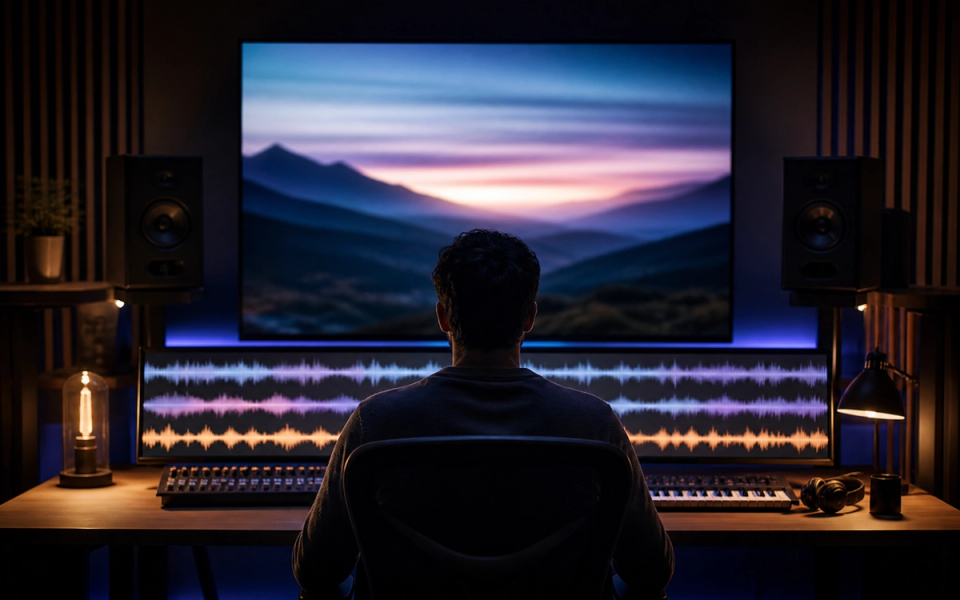
Effective AI background music should make a YouTube video easier to follow, not merely fill silence. The track must leave spectral and rhythmic space for speech, support scene changes, and provide usable edit points. That means the video outline is part of the music brief. Generate against a rough timeline, then judge the music under the actual narration rather than through headphones on its own.
The working target in this tutorial is a voice-friendly 90-second music bed with a restrained opening, one lift, flexible edit points, and a clean ending. It is deliberately narrow: a defined deliverable makes prompting, listening, and revision concrete. Product capabilities, access, pricing, and terms can change, so confirm volatile details in the official sources linked with this article before acting on them.
Key takeaways
- Mark narration, silence, transitions, demonstrations, and calls to action on the video timeline.
- Choose an emotional role for each scene instead of one mood for the whole video.
- Keep melodic activity away from the speech range and cadence.
- Ask for stable rhythm plus identifiable edit points.
- Plan a short intro, an adaptable bed, and a deliberate final button.
Plan the AI background music brief before generating
A brief is not a decoration added to a prompt. It is the agreement between the creative goal and the listening test. Write it in plain language that another person could evaluate. If an instruction cannot be heard, timed, or checked, either replace it with an observable attribute or label it as a preference rather than a requirement.
- Mark narration, silence, transitions, demonstrations, and calls to action on the video timeline.
- Choose an emotional role for each scene instead of one mood for the whole video.
- Keep melodic activity away from the speech range and cadence.
- Ask for stable rhythm plus identifiable edit points.
- Plan a short intro, an adaptable bed, and a deliberate final button.
- Confirm the account and terms cover the channel and monetization use.
These choices also create a useful project record. Keep the prompt, output, account tier, generation date, product, settings, intended use, and terms reference together. This does not settle every rights question, but it prevents the common problem of finding a promising audio file later with no reliable provenance.
A practical AI background music prompt
Create a 90-second understated electronic-acoustic background cue for an educational YouTube video. Soft percussion, warm bass, muted plucks, and airy pads; sparse opening under narration, gentle lift at 35 seconds for a demonstration, return to a calm bed, then a clean two-beat ending. No vocals, no busy lead melody, no trailer impacts.
Notice that the example describes function, movement, musical roles, and an ending. It does not claim that the generator will follow every instruction perfectly. Treat the first output as evidence about the brief: when a request is missed, decide whether the wording was ambiguous, the request was contradictory, or the current tool simply did not deliver it.
Before the next pass, write one sentence naming the most important difference between the intended result and the audio you heard. Link that sentence to one prompt change. This small habit protects the workflow from random regeneration and creates a clearer editorial record for the eventual case study.
The step-by-step AI background music workflow
Step 1: Build a scene map
Write timestamps and the purpose of each section. Music should reinforce a reveal, pause, or transition without narrating every cut. Make one decision at this stage, record it, and carry the result into the next step. That discipline makes later comparisons more useful because the project has a visible chain of intent.
Step 2: Protect the voice
Ask for sparse midrange activity, restrained transients, and no vocal-like lead when continuous speech carries the story. Make one decision at this stage, record it, and carry the result into the next step. That discipline makes later comparisons more useful because the project has a visible chain of intent.
Step 3: Generate to approximate length
Leave a little extra material so the final edit can breathe. Exact picture lock can come later. Make one decision at this stage, record it, and carry the result into the next step. That discipline makes later comparisons more useful because the project has a visible chain of intent.
Step 4: Cut music to the edit
Use phrase boundaries and downbeats for changes. Avoid chopping sustained chords in ways that expose the edit. Make one decision at this stage, record it, and carry the result into the next step. That discipline makes later comparisons more useful because the project has a visible chain of intent.
Step 5: Duck with intention
Lower music under important language and restore it during visual moments. Automation usually sounds more natural than one static low level. Make one decision at this stage, record it, and carry the result into the next step. That discipline makes later comparisons more useful because the project has a visible chain of intent.
Step 6: Review on real playback systems
Check phone speakers, headphones, and a laptop. A bass-heavy bed may disappear or a bright motif may mask speech. Make one decision at this stage, record it, and carry the result into the next step. That discipline makes later comparisons more useful because the project has a visible chain of intent.
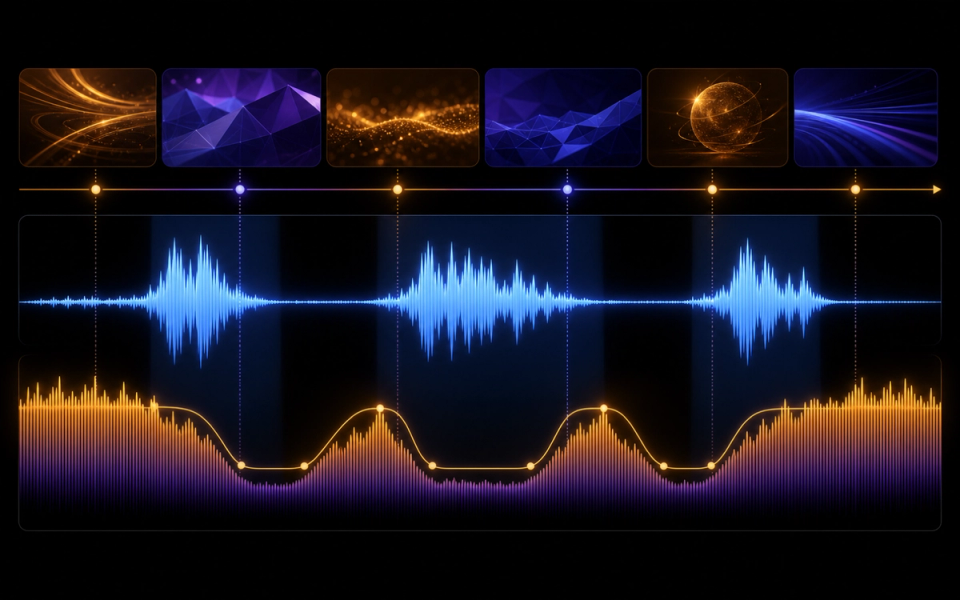
How to review the result
Use the same checklist for every candidate. First listen from beginning to end without touching the controls. Then listen for the destination: under narration, against picture, inside gameplay, or as a standalone song draft. Context can reverse a judgment; an exciting standalone cue may be distracting under speech, while a restrained cue may perform its job extremely well.
- Narration intelligibility: Every important word remains clear without making the music inaudibly quiet.
- Scene support: Energy changes align with the video’s logic rather than arbitrary musical events.
- Edit resilience: The cue contains phrase boundaries, stable beds, and an ending that can survive small timing changes.
- Playback translation: The relationship between voice and music remains useful across common consumer devices.
- Usage permission: The current license covers the channel, monetization status, client relationship, territory, and distribution plan.
Score each criterion with a short note rather than one overall number. The notes reveal trade-offs and give the next prompt a specific task. Save rejected versions long enough to compare them; otherwise novelty and recency can masquerade as improvement.
Evidence and limits of this guide
This tutorial is based on current official ElevenLabs product documentation and Music Terms, not a controlled performance benchmark. It explains a reproducible editorial workflow without claiming that every account, language, prompt, or output will behave identically. Product access, limits, pricing, and terms can change after publication.
Before releasing a project, save the prompt, output, account tier, generation date, product settings, intended use, and the terms you reviewed. Listen in the real destination and record at least one limitation. That project-specific evidence is more useful than treating any general tutorial as a guarantee.
If this workflow fits your project, Try ElevenLabs Music after checking the current product details and terms. The link is sponsored, but the review criteria above stay the same whether or not you open an account.
Common mistakes and focused fixes
Choosing music before the rough cut
A generic track often fights pacing. Even a basic timeline gives the prompt a real job. Return to the brief, identify the smallest relevant variable, and compare the revision with the previous version in context.
Using a memorable lead under speech
Foreground melodies compete with language. Reserve them for gaps or reduce their range and density. Return to the brief, identify the smallest relevant variable, and compare the revision with the previous version in context.
Solving masking only with volume
Arrangement, equalization, and automation can preserve musical presence more naturally. Return to the brief, identify the smallest relevant variable, and compare the revision with the previous version in context.
Forgetting the ending
A clean button or controlled tail makes the creator’s final call to action feel deliberate. Return to the brief, identify the smallest relevant variable, and compare the revision with the previous version in context.
Calling music copyright-free
Use precise rights language based on current terms rather than an unsupported blanket phrase. Return to the brief, identify the smallest relevant variable, and compare the revision with the previous version in context.
Connect this workflow to a wider music practice
Generation is one part of a larger creative process. Compare this method with Doldur Music’s guide to how AI is changing music licensing, then explore AI music trends creators should watch. Before any public or commercial use, read our coverage of Spotify and the growth of AI music and verify the current controlling terms yourself.
Keep the human decisions visible: why the track exists, which references were translated into attributes, what was edited, who reviewed language or rights, and why the final version was selected. Those notes make the creative work easier to continue and the editorial claims easier to defend.
Frequently asked questions
Can I use AI background music on monetized YouTube videos?
That depends on the generator, account plan, current terms, and project. Verify commercial and platform use before uploading.
How loud should background music be under voiceover?
There is no universal number. Set it in context so speech is consistently intelligible, then test on several playback systems.
What prompt works for YouTube background music?
Describe the video purpose, scene map, pace, palette, narration space, energy changes, duration, edit points, and ending behavior.
Should background music have a melody?
It can, but the melody should not compete with narration. Use a simple motif, place it in gaps, or keep it away from the voice’s range.
Conclusion
The strongest AI background music workflow is a loop of briefing, generating, listening, and focused revision. Define the destination, preserve evidence, judge the output in context, and verify rights close to release. If you want to test the process yourself, Try ElevenLabs Music; keep the prompt and result so your second pass is based on evidence rather than guesswork.
Sources and further reading
- ElevenLabs Music documentationCurrent product workflow and feature reference; recheck immediately before publication.
- ElevenLabs Music TermsControlling usage and licensing terms; recheck immediately before publication.
- ElevenLabs: Introducing Music v2Official overview of Music v2 and its announced capabilities.