guide
How to Brief AI Music for Ads and Branded Content
Turn a campaign strategy into an AI music brief with clear brand attributes, timing, deliverables, review criteria, and rights records.
Affiliate disclosure: This article contains an ElevenLabs referral link. If you create an account through it, Doldur Music may earn a commission at no extra cost to you. #ad #ElevenCreativePartner
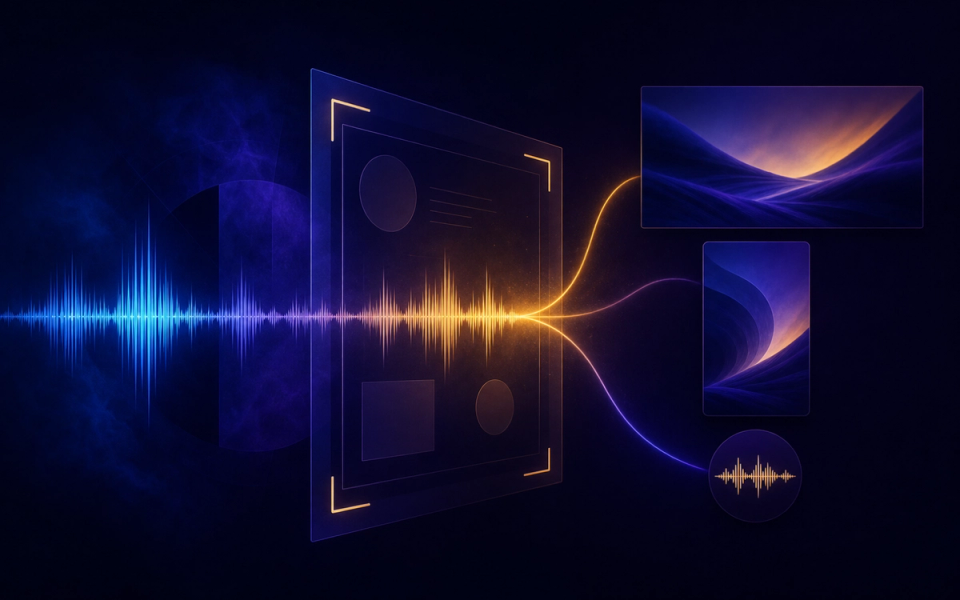
AI music for ads should begin with the communication problem, not a genre request. The track must support a message, fit an edit, sound consistent across cutdowns, leave room for dialogue, and survive brand and legal review. A useful brief translates abstract values such as confident or human into tempo, instrumentation, dynamics, texture, and structure that a team can hear and discuss.
The working target in this tutorial is a campaign-ready music direction with one master cue, planned cutdowns, mix versions, and a documented commercial-use review. It is deliberately narrow: a defined deliverable makes prompting, listening, and revision concrete. Product capabilities, access, pricing, and terms can change, so confirm volatile details in the official sources linked with this article before acting on them.
Key takeaways
- State the audience, message, desired action, and media context.
- Translate three brand attributes into audible musical choices.
- Mark product reveals, supers, dialogue, logo moments, and final buttons.
- List all durations, aspect-ratio edits, mix versions, and territories.
- Define objective approval criteria and the decision owner.
Plan the AI music for ads brief before generating
A brief is not a decoration added to a prompt. It is the agreement between the creative goal and the listening test. Write it in plain language that another person could evaluate. If an instruction cannot be heard, timed, or checked, either replace it with an observable attribute or label it as a preference rather than a requirement.
- State the audience, message, desired action, and media context.
- Translate three brand attributes into audible musical choices.
- Mark product reveals, supers, dialogue, logo moments, and final buttons.
- List all durations, aspect-ratio edits, mix versions, and territories.
- Define objective approval criteria and the decision owner.
- Record account, terms, client, paid-media, and transfer requirements.
These choices also create a useful project record. Keep the prompt, output, account tier, generation date, product, settings, intended use, and terms reference together. This does not settle every rights question, but it prevents the common problem of finding a promising audio file later with no reliable provenance.
A practical AI music for ads prompt
Create a 30-second contemporary acoustic-electronic cue for a practical home-energy campaign. Begin with a simple tactile pulse, add warm plucked strings at the product reveal near eight seconds, widen gently under the benefit statement, reduce beneath dialogue, then finish with a confident two-note button. Optimistic and capable, not luxurious or sentimental, no vocals.
Notice that the example describes function, movement, musical roles, and an ending. It does not claim that the generator will follow every instruction perfectly. Treat the first output as evidence about the brief: when a request is missed, decide whether the wording was ambiguous, the request was contradictory, or the current tool simply did not deliver it.
Before the next pass, write one sentence naming the most important difference between the intended result and the audio you heard. Link that sentence to one prompt change. This small habit protects the workflow from random regeneration and creates a clearer editorial record for the eventual case study.
The step-by-step AI music for ads workflow
Step 1: Start from the message hierarchy
Music should know which moment introduces the problem, reveals the product, proves the benefit, and asks for action. Make one decision at this stage, record it, and carry the result into the next step. That discipline makes later comparisons more useful because the project has a visible chain of intent.
Step 2: Translate brand adjectives
For each adjective, define tempo, touch, space, harmonic color, instrumentation, and what would violate it. Make one decision at this stage, record it, and carry the result into the next step. That discipline makes later comparisons more useful because the project has a visible chain of intent.
Step 3: Build the timing map
Use seconds and edit events, but let musical phrases breathe around the picture rather than hitting every frame. Make one decision at this stage, record it, and carry the result into the next step. That discipline makes later comparisons more useful because the project has a visible chain of intent.
Step 4: Generate a flexible master
Preserve sections that can become six-, fifteen-, and thirty-second versions without destroying the musical sentence. Make one decision at this stage, record it, and carry the result into the next step. That discipline makes later comparisons more useful because the project has a visible chain of intent.
Step 5: Prepare delivery variants
Create full, underscore, reduced-melody, and button options when the campaign needs dialogue or regional edits. Make one decision at this stage, record it, and carry the result into the next step. That discipline makes later comparisons more useful because the project has a visible chain of intent.
Step 6: Run creative and rights approval
Keep prompt, output, version, plan, terms, client use, media, territory, and approval in one record. Make one decision at this stage, record it, and carry the result into the next step. That discipline makes later comparisons more useful because the project has a visible chain of intent.
How to review the result
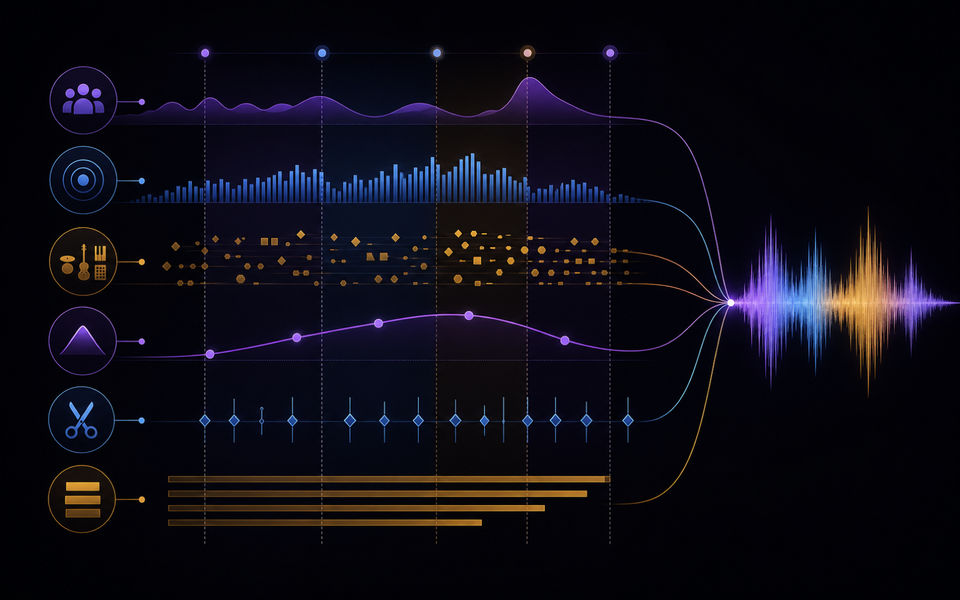
Use the same checklist for every candidate. First listen from beginning to end without touching the controls. Then listen for the destination: under narration, against picture, inside gameplay, or as a standalone song draft. Context can reverse a judgment; an exciting standalone cue may be distracting under speech, while a restrained cue may perform its job extremely well.
- Message support: The cue strengthens the intended audience response without changing the tone of the claim.
- Brand fit: Reviewers can connect audible choices to the agreed attributes instead of relying on taste alone.
- Edit fit: Key musical changes align with the film while dialogue and product information remain clear.
- Cutdown integrity: Short versions retain identity and a complete beginning-to-ending gesture.
- Commercial clearance: The exact paid, client, territorial, platform, duration, and transfer uses are checked against current terms.
Score each criterion with a short note rather than one overall number. The notes reveal trade-offs and give the next prompt a specific task. Save rejected versions long enough to compare them; otherwise novelty and recency can masquerade as improvement.
Evidence and limits of this guide
This tutorial is based on current official ElevenLabs product documentation and Music Terms, not a controlled performance benchmark. It explains a reproducible editorial workflow without claiming that every account, language, prompt, or output will behave identically. Product access, limits, pricing, and terms can change after publication.
Before releasing a project, save the prompt, output, account tier, generation date, product settings, intended use, and the terms you reviewed. Listen in the real destination and record at least one limitation. That project-specific evidence is more useful than treating any general tutorial as a guarantee.
If this workflow fits your project, Try ElevenLabs Music after checking the current product details and terms. The link is sponsored, but the review criteria above stay the same whether or not you open an account.
Common mistakes and focused fixes
Using “premium” as the whole brief
Translate it into restrained density, detailed texture, controlled dynamics, or another agreed sound. Return to the brief, identify the smallest relevant variable, and compare the revision with the previous version in context.
Approving music outside the edit
A cue can be impressive alone and wrong under copy, voice, and product rhythm. Return to the brief, identify the smallest relevant variable, and compare the revision with the previous version in context.
Forgetting cutdowns
Generate and arrange with the final deliverable family in mind. Return to the brief, identify the smallest relevant variable, and compare the revision with the previous version in context.
Letting feedback become adjectives
Ask reviewers to identify the moment, problem, and intended audience effect. Return to the brief, identify the smallest relevant variable, and compare the revision with the previous version in context.
Treating a client license as obvious
Document who generated, who publishes, who pays for media, and what rights move to whom. Return to the brief, identify the smallest relevant variable, and compare the revision with the previous version in context.
Connect this workflow to a wider music practice
Generation is one part of a larger creative process. Compare this method with Doldur Music’s guide to how AI is changing music licensing, then explore AI music trends creators should watch. Before any public or commercial use, read our coverage of Spotify and the growth of AI music and verify the current controlling terms yourself.
Keep the human decisions visible: why the track exists, which references were translated into attributes, what was edited, who reviewed language or rights, and why the final version was selected. Those notes make the creative work easier to continue and the editorial claims easier to defend.
Frequently asked questions
How do I write a music brief for an advertisement?
Include audience, message, action, brand attributes, timing map, instrumentation, dynamics, dialogue space, deliverables, approval criteria, and usage scope.
Can AI music be used in paid advertising?
Potentially, but paid media and client use must be permitted by the current terms and account context. Verify before launch.
How do I make one cue work across ad cutdowns?
Design short recognizable motifs, modular sections, clean buttons, and reduced arrangements from the beginning.
Should ad music hit every edit point?
No. Prioritize meaningful story beats; too many synchronized accents can make the film feel mechanical.
Conclusion
The strongest AI music for ads workflow is a loop of briefing, generating, listening, and focused revision. Define the destination, preserve evidence, judge the output in context, and verify rights close to release. If you want to test the process yourself, Try ElevenLabs Music; keep the prompt and result so your second pass is based on evidence rather than guesswork.
Sources and further reading
- ElevenLabs Music documentationCurrent product workflow and feature reference; recheck immediately before publication.
- ElevenLabs Music TermsControlling usage and licensing terms; recheck immediately before publication.
- ElevenLabs music product comparisonOfficial distinctions among ElevenMusic, ElevenCreative, and ElevenAPI.