guide
AI Music Prompts: A Practical Brief for Better Songs
Use purpose, musical attributes, structure, and exclusions to turn a vague AI music prompt into a practical creative brief.
Affiliate disclosure: This article contains an ElevenLabs referral link. If you create an account through it, Doldur Music may earn a commission at no extra cost to you. #ad #ElevenCreativePartner
Good AI music prompts read more like compact production briefs than piles of flattering adjectives. They tell the system where the track will be used, how it should move, which sounds carry the arrangement, and what must not happen. The goal is not to control every note. It is to reduce ambiguity enough that you can evaluate the result and make a purposeful second pass.
The working target in this tutorial is a reusable prompt brief that can produce comparable variations for one creative goal. It is deliberately narrow: a defined deliverable makes prompting, listening, and revision concrete. Product capabilities, access, pricing, and terms can change, so confirm volatile details in the official sources linked with this article before acting on them.
Key takeaways
- Open with the function of the track and intended audience.
- State tempo or energy in terms a listener could recognize.
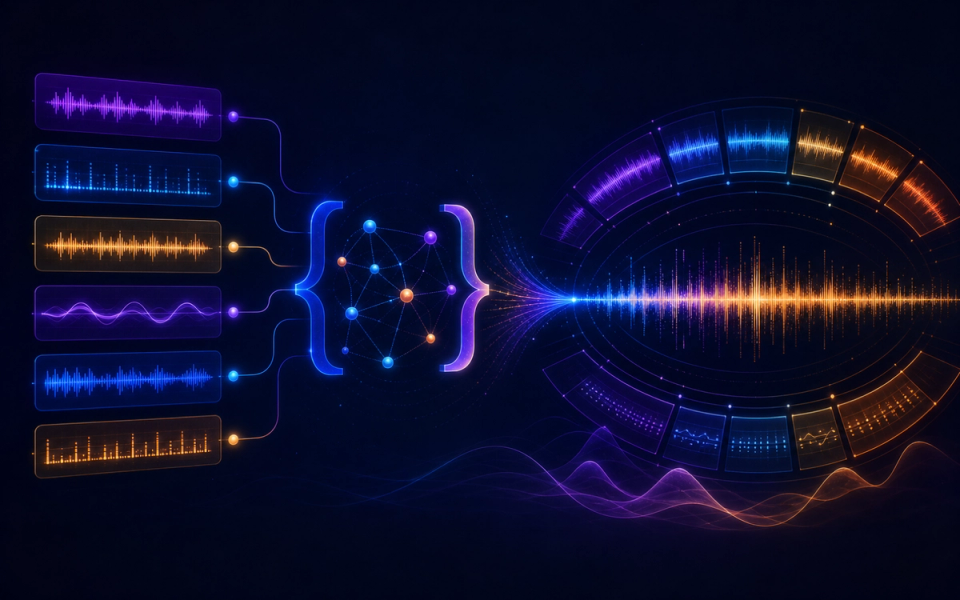
- Limit the palette to a few roles: rhythm, harmony, bass, and lead.
- Describe the emotional arc rather than one static mood.
- Give section-level instructions and an ending behavior.
Plan the AI music prompts brief before generating
A brief is not a decoration added to a prompt. It is the agreement between the creative goal and the listening test. Write it in plain language that another person could evaluate. If an instruction cannot be heard, timed, or checked, either replace it with an observable attribute or label it as a preference rather than a requirement.
- Open with the function of the track and intended audience.
- State tempo or energy in terms a listener could recognize.
- Limit the palette to a few roles: rhythm, harmony, bass, and lead.
- Describe the emotional arc rather than one static mood.
- Give section-level instructions and an ending behavior.
- Add only exclusions that protect the project from predictable problems.
These choices also create a useful project record. Keep the prompt, output, account tier, generation date, product, settings, intended use, and terms reference together. This does not settle every rights question, but it prevents the common problem of finding a promising audio file later with no reliable provenance.
A practical AI music prompts prompt
Write a 90-second optimistic indie-electronic cue for a maker documentary. Use brushed drums, rounded bass, muted guitar, and a small analog-synth motif. Start curious and restrained, widen at the midpoint without becoming triumphant, then end on a held chord with room for narration. No vocals, no dramatic trailer impacts, no abrupt stop.
Notice that the example describes function, movement, musical roles, and an ending. It does not claim that the generator will follow every instruction perfectly. Treat the first output as evidence about the brief: when a request is missed, decide whether the wording was ambiguous, the request was contradictory, or the current tool simply did not deliver it.
Before the next pass, write one sentence naming the most important difference between the intended result and the audio you heard. Link that sentence to one prompt change. This small habit protects the workflow from random regeneration and creates a clearer editorial record for the eventual case study.
The step-by-step AI music prompts workflow
Step 1: Write the job sentence
A sentence such as “background music for a calm product explanation” creates a stronger north star than “beautiful electronic music.” Make one decision at this stage, record it, and carry the result into the next step. That discipline makes later comparisons more useful because the project has a visible chain of intent.
Step 2: Set the energy and pace
Pair a tempo range with a felt description because identical tempos can feel urgent, relaxed, heavy, or weightless. Make one decision at this stage, record it, and carry the result into the next step. That discipline makes later comparisons more useful because the project has a visible chain of intent.
Step 3: Assign instrument roles
Name what carries rhythm, harmony, low end, and melody. A role-based palette prevents an overcrowded list of instruments. Make one decision at this stage, record it, and carry the result into the next step. That discipline makes later comparisons more useful because the project has a visible chain of intent.
Step 4: Describe change over time
Use verbs such as opens, introduces, thins, lifts, pauses, and resolves. Music is temporal; the prompt should be too. Make one decision at this stage, record it, and carry the result into the next step. That discipline makes later comparisons more useful because the project has a visible chain of intent.
Step 5: Add useful exclusions
Exclude vocals, abrupt endings, dominant solos, or heavy impacts only when they conflict with the destination. Make one decision at this stage, record it, and carry the result into the next step. That discipline makes later comparisons more useful because the project has a visible chain of intent.
Step 6: Revise one dimension per pass
Keep a simple change log. If you alter tempo, palette, and form together, you cannot tell which instruction helped. Make one decision at this stage, record it, and carry the result into the next step. That discipline makes later comparisons more useful because the project has a visible chain of intent.
How to review the result
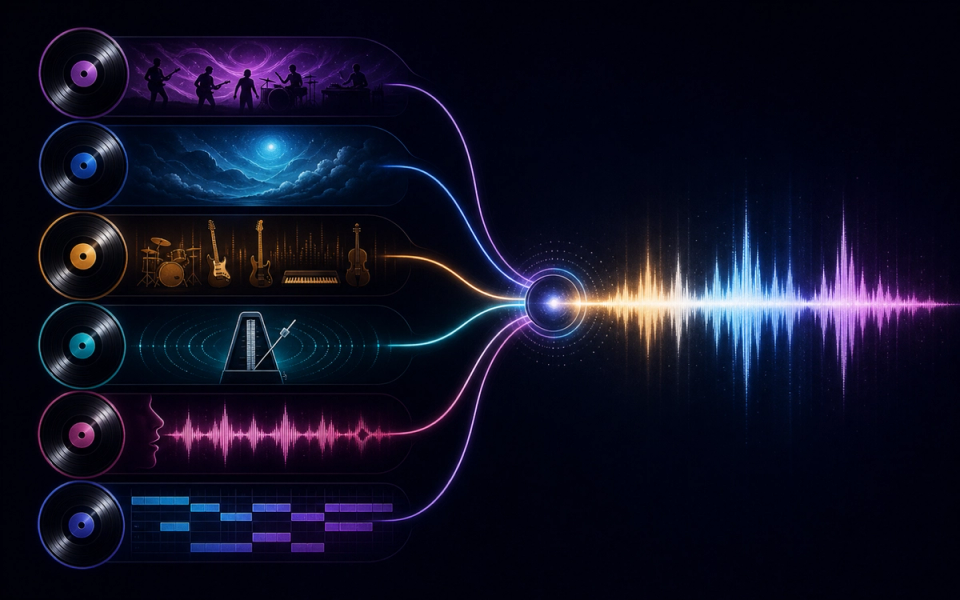
Use the same checklist for every candidate. First listen from beginning to end without touching the controls. Then listen for the destination: under narration, against picture, inside gameplay, or as a standalone song draft. Context can reverse a judgment; an exciting standalone cue may be distracting under speech, while a restrained cue may perform its job extremely well.
- Specificity: Every instruction can be heard, timed, or recognized; remove words that express approval but provide no direction.
- Priority: The essential request appears early, while optional texture details appear later.
- Compatibility: Tempo, instrumentation, mood, and structure do not pull the music in contradictory directions.
- Editability: The prompt asks for identifiable sections and usable endings rather than an uninterrupted wall of sound.
- Originality: The brief uses musical attributes and purpose instead of naming an artist, song, album, or protected character.
Score each criterion with a short note rather than one overall number. The notes reveal trade-offs and give the next prompt a specific task. Save rejected versions long enough to compare them; otherwise novelty and recency can masquerade as improvement.
Evidence and limits of this guide
This tutorial is based on current official ElevenLabs product documentation and Music Terms, not a controlled performance benchmark. It explains a reproducible editorial workflow without claiming that every account, language, prompt, or output will behave identically. Product access, limits, pricing, and terms can change after publication.
Before releasing a project, save the prompt, output, account tier, generation date, product settings, intended use, and the terms you reviewed. Listen in the real destination and record at least one limitation. That project-specific evidence is more useful than treating any general tutorial as a guarantee.
If this workflow fits your project, Try ElevenLabs Music after checking the current product details and terms. The link is sponsored, but the review criteria above stay the same whether or not you open an account.
Common mistakes and focused fixes
Stacking synonyms
“Epic, huge, massive, powerful” repeats one idea without explaining orchestration or structure. Return to the brief, identify the smallest relevant variable, and compare the revision with the previous version in context.
Listing too many genres
Choose a primary vocabulary and add one contrasting influence only when you can explain its role. Return to the brief, identify the smallest relevant variable, and compare the revision with the previous version in context.
Leaving duration implicit
A track for a short edit needs a different arc from a full song. State the approximate length. Return to the brief, identify the smallest relevant variable, and compare the revision with the previous version in context.
Writing no ending instruction
Ask for a clean resolve, tail, loop, or button ending according to the use case. Return to the brief, identify the smallest relevant variable, and compare the revision with the previous version in context.
Copying a famous name
Translate taste into tempo, timbre, harmony, dynamics, and form; do not make identity the instruction. Return to the brief, identify the smallest relevant variable, and compare the revision with the previous version in context.
Connect this workflow to a wider music practice
Generation is one part of a larger creative process. Compare this method with Doldur Music’s guide to AudioCipher songwriting guide, then explore BandLab SongStarter workflow. Before any public or commercial use, read our coverage of AI music trends creators should watch and verify the current controlling terms yourself.
Keep the human decisions visible: why the track exists, which references were translated into attributes, what was edited, who reviewed language or rights, and why the final version was selected. Those notes make the creative work easier to continue and the editorial claims easier to defend.
Frequently asked questions
What should I include in an AI music prompt?
Include purpose, pace, instrument roles, emotional arc, structure, duration, ending behavior, and only the exclusions that matter to the project.
Are longer AI music prompts always better?
No. A longer prompt can introduce contradictions. Prefer a compact hierarchy of important, audible instructions.
How do I improve a weak AI song prompt?
Identify the first audible failure, change one relevant dimension, and compare the new result with the previous version using the same checklist.
Can I name an artist in a music prompt?
Avoid it. Describe the musical properties you value instead, and check the current service terms for prohibited inputs and uses.
Conclusion
The strongest AI music prompts workflow is a loop of briefing, generating, listening, and focused revision. Define the destination, preserve evidence, judge the output in context, and verify rights close to release. If you want to test the process yourself, Try ElevenLabs Music; keep the prompt and result so your second pass is based on evidence rather than guesswork.
Sources and further reading
- ElevenLabs Music documentationCurrent product workflow and feature reference; recheck immediately before publication.
- ElevenLabs Music TermsControlling usage and licensing terms; recheck immediately before publication.
- ElevenLabs: Introducing Music v2Official overview of Music v2 and its announced capabilities.