guide
How to Make an AI Song With Vocals and Lyrics
Plan lyric meter, vocal space, song sections, and revision passes before generating an AI song with vocals.
Affiliate disclosure: This article contains an ElevenLabs referral link. If you create an account through it, Doldur Music may earn a commission at no extra cost to you. #ad #ElevenCreativePartner
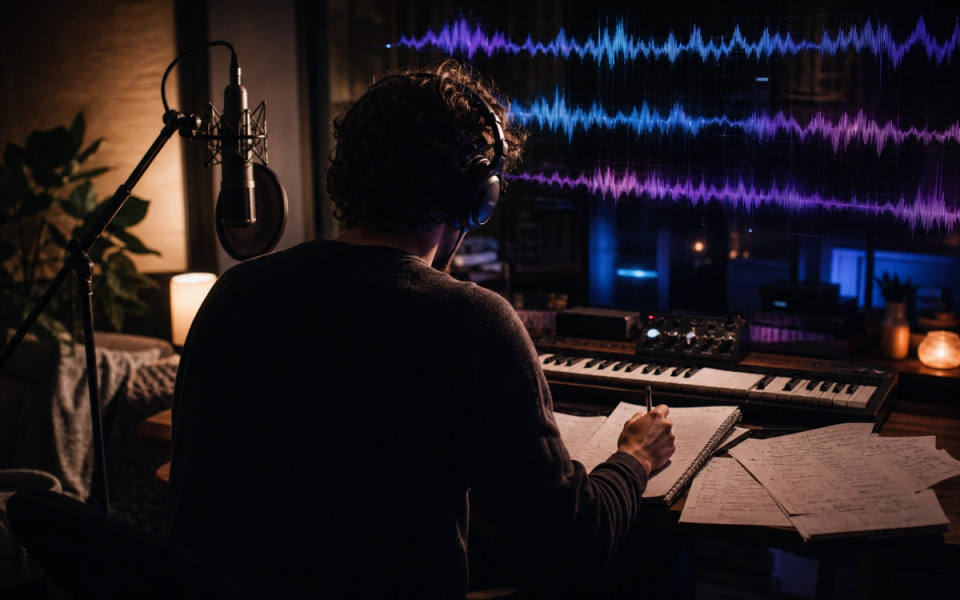
To make AI song with vocals that feel intentional, treat the words, melody, performance, and backing track as one system. Lyrics that look good on a page may sing awkwardly; a dense arrangement can hide consonants; and a chorus may need fewer words than a verse. A reliable workflow therefore begins before generation, with section goals and lines that have been read aloud.
The working target in this tutorial is a short original song demo with intelligible verses, a memorable chorus, and enough arrangement space for the vocal. It is deliberately narrow: a defined deliverable makes prompting, listening, and revision concrete. Product capabilities, access, pricing, and terms can change, so confirm volatile details in the official sources linked with this article before acting on them.
Key takeaways
- Write a one-sentence song premise and point of view.
- Map verse, pre-chorus, chorus, and bridge jobs before polishing lines.
- Read lyrics aloud and simplify crowded syllable patterns.
- Mark words that need emphasis and names that need pronunciation guidance.
- Define how instrumentation changes under each vocal section.
Plan the make AI song with vocals brief before generating
A brief is not a decoration added to a prompt. It is the agreement between the creative goal and the listening test. Write it in plain language that another person could evaluate. If an instruction cannot be heard, timed, or checked, either replace it with an observable attribute or label it as a preference rather than a requirement.
- Write a one-sentence song premise and point of view.
- Map verse, pre-chorus, chorus, and bridge jobs before polishing lines.
- Read lyrics aloud and simplify crowded syllable patterns.
- Mark words that need emphasis and names that need pronunciation guidance.
- Define how instrumentation changes under each vocal section.
- Confirm that every voice, lyric, and reference is authorized and original.
These choices also create a useful project record. Keep the prompt, output, account tier, generation date, product, settings, intended use, and terms reference together. This does not settle every rights question, but it prevents the common problem of finding a promising audio file later with no reliable provenance.
A practical make AI song with vocals prompt
Create a 2-minute intimate alternative-pop song about choosing a new direction after a quiet setback. Conversational lead vocal, clear diction, restrained verse over piano and muted percussion, wider chorus with warm bass and layered pads, brief bridge with reduced instrumentation, then a final chorus and clean ending. Keep the vocal forward; avoid melisma and imitation of any known singer.
Notice that the example describes function, movement, musical roles, and an ending. It does not claim that the generator will follow every instruction perfectly. Treat the first output as evidence about the brief: when a request is missed, decide whether the wording was ambiguous, the request was contradictory, or the current tool simply did not deliver it.
Before the next pass, write one sentence naming the most important difference between the intended result and the audio you heard. Link that sentence to one prompt change. This small habit protects the workflow from random regeneration and creates a clearer editorial record for the eventual case study.
The step-by-step make AI song with vocals workflow
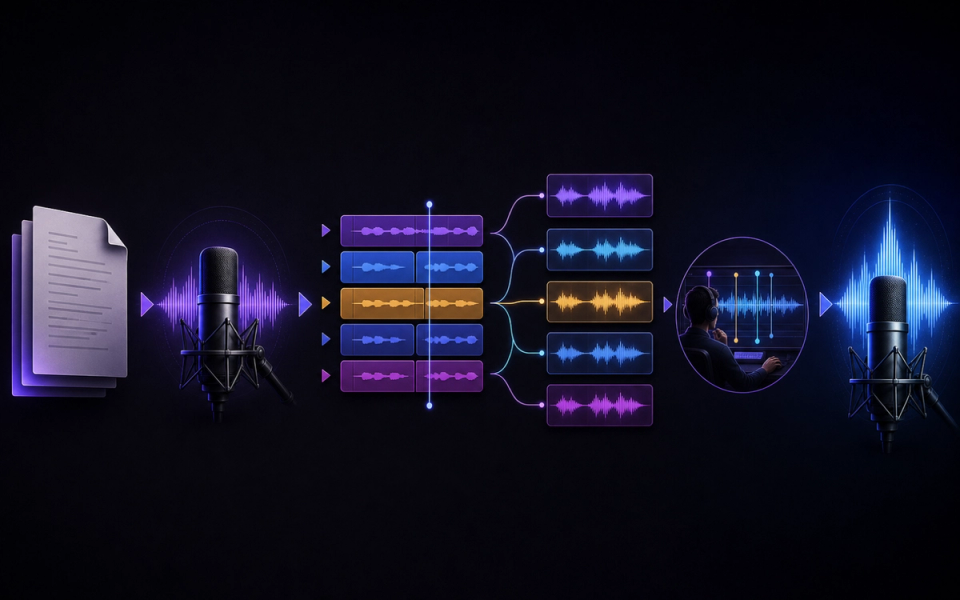
Step 1: Outline the lyric function
Let the verse reveal detail, the pre-chorus create pressure, and the chorus state the emotional center. Repeating the same information wastes musical space. Make one decision at this stage, record it, and carry the result into the next step. That discipline makes later comparisons more useful because the project has a visible chain of intent.
Step 2: Test meter by speaking
Read each line over a steady pulse. Shorten clusters that force unnatural stress, especially around important nouns and verbs. Make one decision at this stage, record it, and carry the result into the next step. That discipline makes later comparisons more useful because the project has a visible chain of intent.
Step 3: Give the vocal a character, not an identity
Describe register, intimacy, articulation, energy, and delivery. Do not request a real person’s voice or recognizable imitation. Make one decision at this stage, record it, and carry the result into the next step. That discipline makes later comparisons more useful because the project has a visible chain of intent.
Step 4: Arrange around intelligibility
Thin busy midrange instruments under dense lyrics and let instrumental hooks answer rather than cover the lead. Make one decision at this stage, record it, and carry the result into the next step. That discipline makes later comparisons more useful because the project has a visible chain of intent.
Step 5: Generate and annotate
Mark unclear words, rushed phrases, weak melodic peaks, and section handoffs. Keep lyric and prompt versions together. Make one decision at this stage, record it, and carry the result into the next step. That discipline makes later comparisons more useful because the project has a visible chain of intent.
Step 6: Revise the smallest failing unit
Change a line, pronunciation cue, section brief, or arrangement density before replacing the entire song. Make one decision at this stage, record it, and carry the result into the next step. That discipline makes later comparisons more useful because the project has a visible chain of intent.
How to review the result
Use the same checklist for every candidate. First listen from beginning to end without touching the controls. Then listen for the destination: under narration, against picture, inside gameplay, or as a standalone song draft. Context can reverse a judgment; an exciting standalone cue may be distracting under speech, while a restrained cue may perform its job extremely well.
- Lyric clarity: A listener can understand the central idea and most words without reading a lyric sheet.
- Natural stress: Important syllables land on musically strong positions and phrases leave room to breathe.
- Section contrast: Verses, chorus, and bridge differ through melody, density, harmony, or dynamics rather than labels alone.
- Vocal-arrangement balance: The backing supports the voice while retaining a musical identity of its own.
- Consent and originality: Lyrics are original or authorized, and the requested voice is not a deceptive imitation.
Score each criterion with a short note rather than one overall number. The notes reveal trade-offs and give the next prompt a specific task. Save rejected versions long enough to compare them; otherwise novelty and recency can masquerade as improvement.
Evidence and limits of this guide
This tutorial is based on current official ElevenLabs product documentation and Music Terms, not a controlled performance benchmark. It explains a reproducible editorial workflow without claiming that every account, language, prompt, or output will behave identically. Product access, limits, pricing, and terms can change after publication.
Before releasing a project, save the prompt, output, account tier, generation date, product settings, intended use, and the terms you reviewed. Listen in the real destination and record at least one limitation. That project-specific evidence is more useful than treating any general tutorial as a guarantee.
If this workflow fits your project, Try ElevenLabs Music after checking the current product details and terms. The link is sponsored, but the review criteria above stay the same whether or not you open an account.
Common mistakes and focused fixes
Writing prose-length lines
Sung phrases need breath and rhythmic shape. Split or simplify sentences before generation. Return to the brief, identify the smallest relevant variable, and compare the revision with the previous version in context.
Giving every section maximum energy
Contrast makes a chorus feel larger; constant intensity removes that effect. Return to the brief, identify the smallest relevant variable, and compare the revision with the previous version in context.
Fixing diction with more instruments
If a word is unclear, simplify its line or pronunciation cue and reduce competing frequencies. Return to the brief, identify the smallest relevant variable, and compare the revision with the previous version in context.
Using a celebrity as vocal shorthand
Specify qualities of performance without using a person’s identity. Return to the brief, identify the smallest relevant variable, and compare the revision with the previous version in context.
Publishing the first coherent take
Coherence is a baseline. Review lyric meaning, artifacts, musical transitions, and rights before release. Return to the brief, identify the smallest relevant variable, and compare the revision with the previous version in context.
Connect this workflow to a wider music practice
Generation is one part of a larger creative process. Compare this method with Doldur Music’s guide to AudioCipher songwriting guide, then explore BandLab SongStarter workflow. Before any public or commercial use, read our coverage of how AI is changing music licensing and verify the current controlling terms yourself.
Keep the human decisions visible: why the track exists, which references were translated into attributes, what was edited, who reviewed language or rights, and why the final version was selected. Those notes make the creative work easier to continue and the editorial claims easier to defend.
Frequently asked questions
How do I make AI vocals pronounce lyrics clearly?
Use natural spelling, shorter phrases, deliberate punctuation, and pronunciation guidance where supported. Test names and multilingual lines separately.
Should I write lyrics before generating music?
At least write the premise, section map, and a chorus draft. You can revise words with melody, but the song needs a stable point of view.
Can I make an AI voice sound like a famous singer?
Do not request deceptive imitation. Use non-identifying performance attributes and follow the current terms and consent requirements.
Why are my AI song lyrics rushed?
The lines may contain too many syllables for the tempo or melodic phrase. Shorten them, add breathing space, or reduce the pace.
Conclusion
The strongest make AI song with vocals workflow is a loop of briefing, generating, listening, and focused revision. Define the destination, preserve evidence, judge the output in context, and verify rights close to release. If you want to test the process yourself, Try ElevenLabs Music; keep the prompt and result so your second pass is based on evidence rather than guesswork.
Sources and further reading
- ElevenLabs Music documentationCurrent product workflow and feature reference; recheck immediately before publication.
- ElevenLabs Music TermsControlling usage and licensing terms; recheck immediately before publication.
- ElevenLabs: Introducing Music v2Official overview of Music v2 and its announced capabilities.