guide
How to Make a Band Website That Gets Booking Inquiries
Structure a band website around the facts, live evidence, EPK material, and contact route promoters need before they can send a booking enquiry.
Disclosure: Doldur Music may earn a commission if you sign up for Promake through links in this article, at no additional cost to you. We describe only features we could verify from current public information.
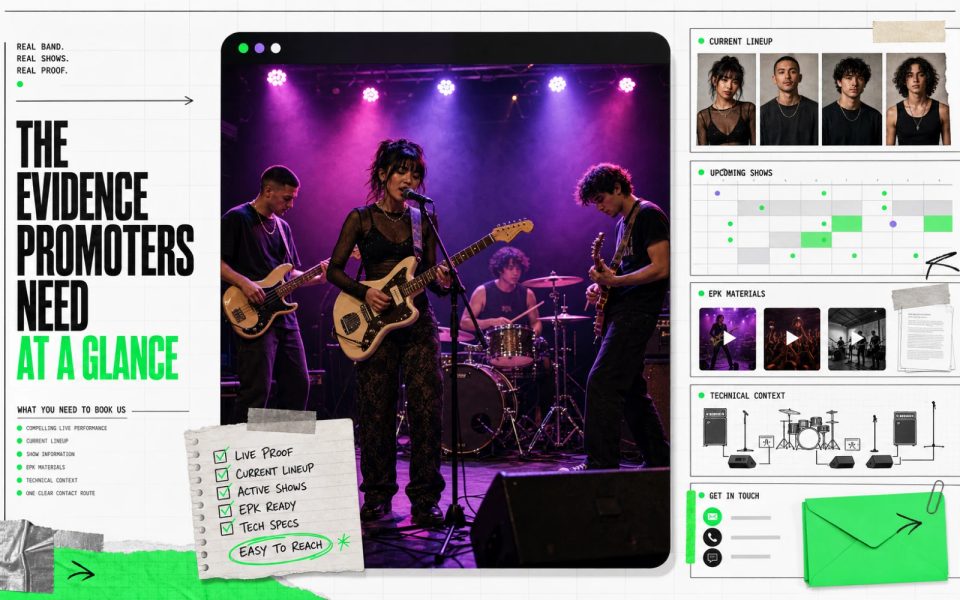
A band website cannot promise bookings. It can remove the reasons a promoter gives up: unclear lineup, no current live footage, hidden location, missing show information, an outdated EPK, or a contact form that never reaches anyone.
The best band website serves fans and professional bookers without becoming two separate sites. Fans should find music and shows. Promoters should find live proof, practical facts, EPK material, and a working booking route in under a minute.
Key points
- Show current live performance near the top.
- State the band’s location, lineup, format, and touring scope accurately.
- Keep Shows, EPK, and Contact easy to reach from every page.
- Use one verified booking email or enquiry route and test delivery.
- Connect a custom domain and role-based email for recognition, not as a guarantee of credibility.
- Do not describe the website as booking automation unless a verified external system provides it.
Serve fans and promoters from the same homepage
Fans and promoters begin with different questions but share the same evidence.
A fan wants to hear the band, see dates, and understand the project. A promoter wants to know whether the act fits the room, performs well live, has current material, and can be contacted.
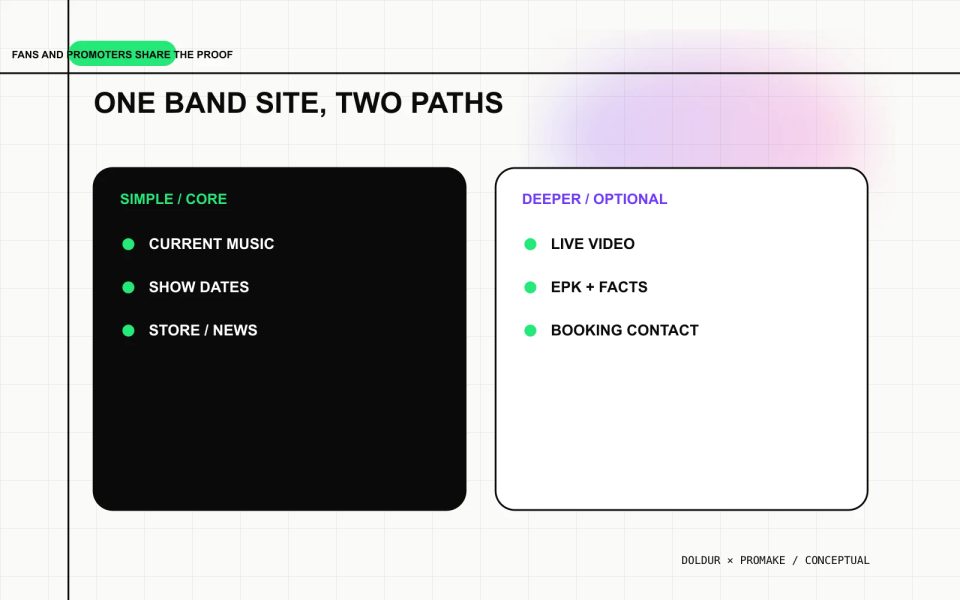
Use one homepage with two clear paths:
- For listeners: current release, selected video, upcoming shows, store or newsletter.
- For professional visitors: live video, EPK, practical facts, booking contact.
Do not hide professional material behind a password unless the information is genuinely confidential. A promoter should not need to request access before seeing the basic public case for the band.
Lead with real live performance evidence
An edited music video can establish identity, but a promoter also needs to understand the live act. Place one representative, current performance where it can be found quickly.
Choose a video that shows:
- the current lineup;
- recognizable live audio;
- the actual instrumentation or playback setup;
- the type of room or stage;
- enough continuous performance to judge the act;
- a song that represents the proposed show.
State the venue and date when approved. Do not call a rehearsal, mimed television appearance, or video assembled from unrelated footage a live set.
If the band performs in several formats, label them: full band, trio, acoustic duo, DJ/live hybrid, or other accurate configuration. A promoter should not book a five-piece assumption and receive a different act.
Put practical band facts in one place
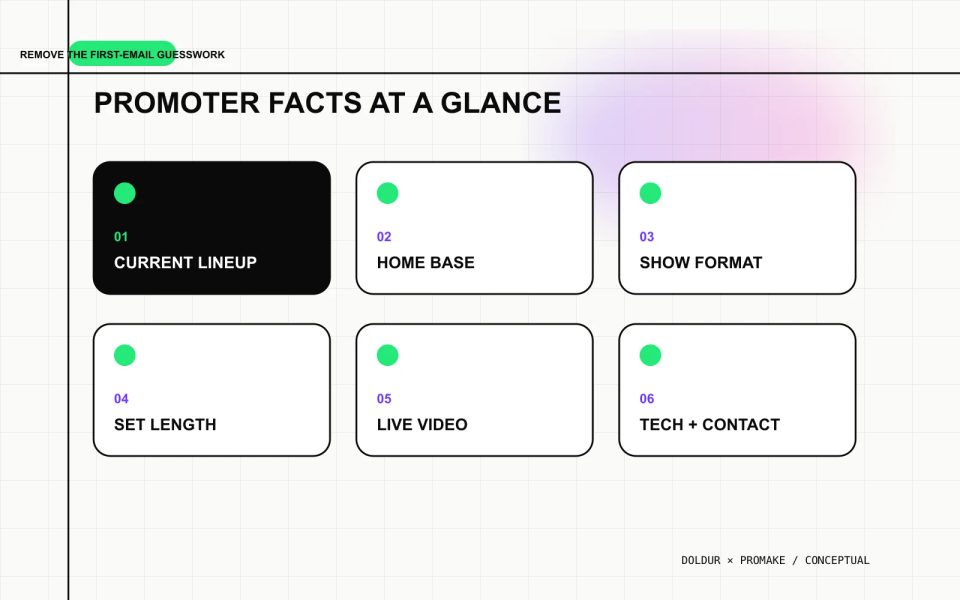
A compact facts section can prevent a long first email. Include:
- current member names and roles;
- home city or region;
- available performance formats;
- typical set length when confirmed;
- original music, covers, or mixed set;
- languages when relevant;
- touring scope;
- current live video;
- technical-document link;
- booking contact.
Only publish information the band is prepared to honor. Do not list an international touring scope, production capability, or set duration because it sounds impressive. Practical accuracy makes the enquiry more qualified.
Build a Shows page that stays trustworthy
List verified upcoming dates with city, venue, event, and official ticket destination. Add doors, age limits, accessibility, or billing position only when confirmed by the organizer.
Use a consistent format so visitors can scan quickly. Put upcoming dates before the archive. When there are no public dates, say so or remove the page from primary navigation.
A past-shows archive can provide context if it is accurate and selective. It should not imply that support slots, festival appearances, or venue names were headlining dates when they were not.
Assign a person to update cancellations, sold-out status, changes, and old listings. A stale Shows page undermines the booking route it is meant to support.
Create a focused band EPK
The EPK should package the strongest professional material:
- short and long band biographies;
- current lineup;
- selected music;
- representative live video;
- approved press photos;
- current release artwork and credits;
- verified press lines or milestones;
- practical booking facts;
- stage plot or technical document when needed;
- direct booking and press contacts.
Keep file names readable and preserve credits. Date technical documents. Test every download from a private browser window.
The EPK can be a section on a compact site or a separate page. Give it its own URL when it is sent in outreach or contains substantial downloads. Our EPK website guide explains the page order, asset list, and download checks.
Make the booking contact obvious
Use one booking route unless different regions or formats genuinely have different representatives. Label it “Booking enquiries” rather than “Contact” when the purpose matters.
A role-based email such as booking@bandname.com can remain recognizable if personnel changes. If an agency or manager handles the band, publish their name and role only with approval.
For an enquiry form, ask for the information needed to evaluate the request:
- contact name and organization;
- event and venue;
- date or date range;
- city and country;
- proposed format or set;
- capacity and age policy when relevant;
- budget or offer structure when appropriate;
- production notes;
- reply details.
Do not turn the form into a contract. Do not ask for sensitive information at the first step. Explain who receives the submission, and test that it arrives with a useful subject line.
Set a realistic reply expectation beside the form. If the booking contact normally responds within three working days, say so only when the team can maintain that standard. Prepare a simple internal handoff: who checks the inbox, who confirms availability, who owns the quote, and who follows up when information is missing. The public website does not need to expose that process, but the enquiry route is only useful when somebody is responsible for the other end.
Prepare a concise reply that confirms receipt without implying that the date is secured. Ask for any missing venue, schedule, production, or offer details, then move contracts and payment discussions into the approved booking process. This keeps the public form focused while making the next professional step predictable for both sides.
Use a custom domain and professional email carefully
A simple band domain is easier to recognize on posters, venue listings, emails, and stage visuals than an unrelated builder address. Keep it short, readable, and difficult to mistype.
Promake currently documents custom-domain management and professional email options. Confirm the current price, renewal, availability, mailbox limits, and connection process immediately before purchase.
A custom domain does not prove that a band is reliable. Current dates, accurate facts, working contact, and timely replies do that. Treat the domain as a clear address, not a trust badge.
Write a band website brief
Prepare the material first, then give the builder an explicit structure:
Build a mobile-first website for [band name], a [band’s own description] band based in [location]. Lead with [current live video or release]. Give fans direct routes to music and shows. Give promoters direct routes to the current lineup, live proof, EPK, practical facts, and booking email. Use only the supplied names, dates, images, video, credits, and contact information. Do not invent reviews, festivals, audience numbers, ticket sales, or booking outcomes.
Generate the first page, then review order, copy, images, and links separately. Remove generic phrases that could describe any band.
Promake’s public documentation supports the website, visual editing, publishing, domain, email, and eligible commerce or payment layer. It does not establish calendar sync, ticket sales, enquiry management, contracts, deposits, reminders, or booking outcomes.
Use the musician website guide for the build sequence, the EPK website guide for press assets, and the musician website pages checklist to keep the structure maintainable.
If the content package is ready, build the band’s owned website with Promake. Connect external ticketing or booking software when those jobs are required.
Run the one-minute promoter test
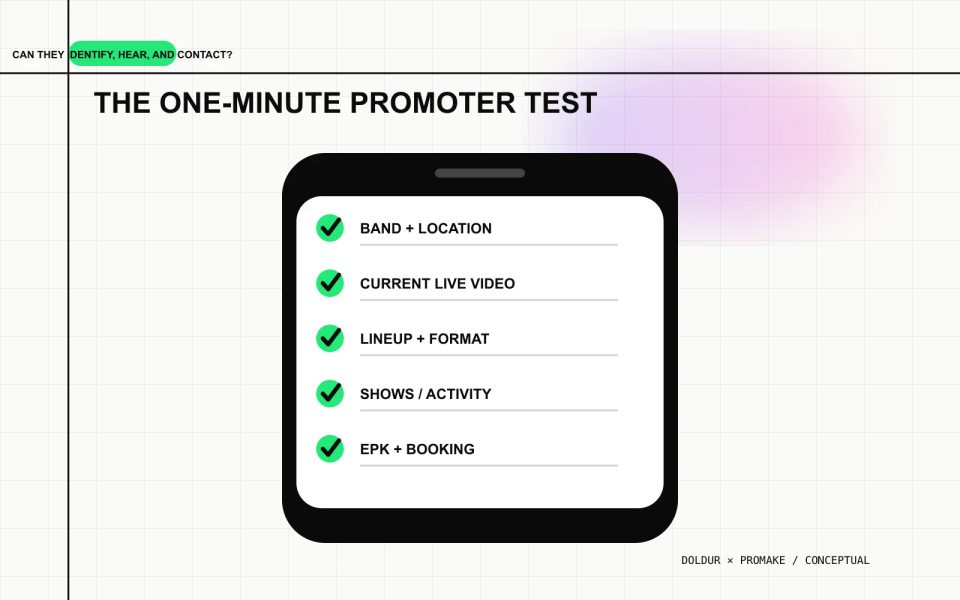
Open the live page on a phone and set a one-minute timer. Before it ends, confirm that a promoter can:
- identify the band and location;
- hear or watch representative live material;
- see the current lineup and format;
- find upcoming shows or activity;
- open the EPK;
- locate a working booking route.
Then test the details:
- all service and video links;
- image crops and alt text;
- downloadable files;
- keyboard focus;
- contact delivery;
- current dates;
- mobile loading;
- social image;
- privacy information for forms;
- the preferred HTTPS domain.
Do not submit a false booking enquiry to someone else’s system. Use an approved internal test and delete the test data if appropriate.
A booking-ready website reduces friction
The site cannot create demand or guarantee a show. It can make the decision easier for someone already considering the band.
Lead with current live proof. State practical facts. Keep the EPK usable. Make contact obvious. Reply professionally. Those ordinary details do more work than a long claim about being “ready for the next stage.”
FAQs
What should a band website include for booking?
Include current live video, lineup, location, show format, music, upcoming dates, EPK, practical technical context, and one clear booking route.
Can a band website guarantee booking inquiries?
No. It can improve clarity and remove friction, but bookings depend on audience fit, demand, programming, budget, availability, relationships, and performance evidence.
Should a band publish its booking fee?
That depends on the market and booking process. Publish pricing only when the band or representative has approved a stable public rate and the inclusions are clear. Otherwise invite a qualified enquiry.
Does a band need a separate booking page?
Not always. A compact site can place professional facts and contact on the homepage or EPK. Use a separate page when the booking material is substantial or needs its own shareable URL.
What kind of live video should a band use?
Use a current, representative performance with recognizable audio and the actual lineup. Show enough continuous footage to understand the act rather than relying only on a fast montage.