guide
AI Stem Separation: A Practical Guide to Cleaner Stems
A practical guide to AI stem separation: how it works, where artifacts come from, how to preserve quality, choose tools, and handle copyright.

AI stem separation can turn one finished stereo mix into separate vocal, drum, bass, and instrumental files. It is useful for remix preparation, practice tracks, restoration, transcription, dialogue cleanup, and limited mix rescue. It is not a way to recover the original multitrack session. Every output is an estimate, so the strongest workflow treats separated stems as material to evaluate and repair rather than perfect masters.
This guide explains how music source separation works, what current tools can and cannot do, how to preserve quality, how to judge artifacts, and where copyright enters the workflow. The short recommendation is to choose the smallest stem set that solves the job, start with the cleanest source available, export lossless files, and compare the recombined result with the original before making creative decisions.
What is AI stem separation?
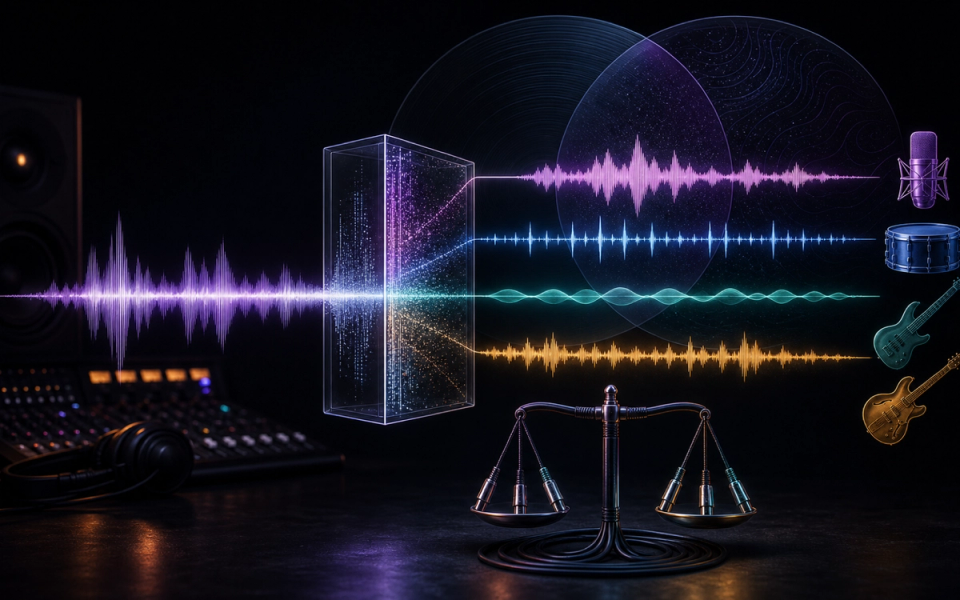
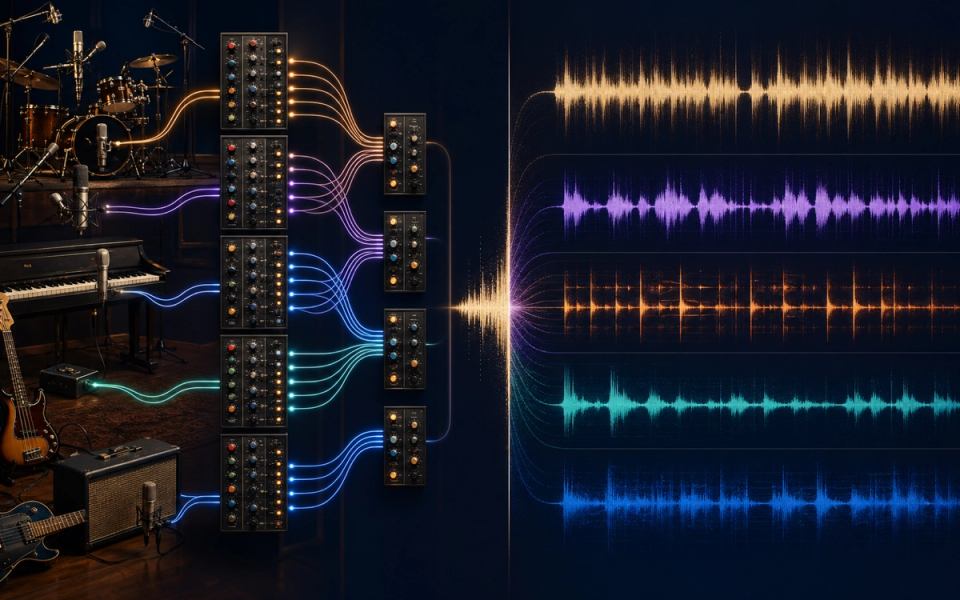
Stem separation—also called music source separation—uses a trained model to estimate the individual sound sources inside a mixed recording. A common four-stem model returns vocals, drums, bass, and “other.” Newer systems may offer guitar, piano, strings, wind instruments, backing vocals, or a simple two-stem vocal/instrumental split.
A production stem exported from the original session contains exactly the tracks assigned to it. An AI-separated stem is different: the model receives only the final mix and predicts which time-frequency information belongs to each source. When a vocal and guitar occupy the same frequency range at the same moment, the system must make a probabilistic choice. That is why bleed, missing detail, and unstable ambience remain possible even with a capable model.
How source-separation models work
Modern systems learn patterns from mixtures and their isolated sources. Some operate mainly on spectrograms, some on waveforms, and some combine both. Meta’s published Demucs work is a useful technical reference: Hybrid Transformer Demucs combines waveform and spectrogram processing, separates vocals, drums, bass, and other, and reported a 9.0 dB overall signal-to-distortion ratio on MUSDB HQ. Its archived documentation also warns that the experimental six-source piano output can contain substantial bleed and artifacts.
A benchmark can compare research systems, but it does not guarantee a clean result on every song. Dense distortion, long vocal reverb, doubled parts, choirs, cymbals, stereo widening, heavy limiting, low-bitrate encoding, and instruments with overlapping harmonics can all confuse separation. A model may preserve a lead vocal while placing its reverb tail in the instrumental, or remove part of a snare transient because it resembles a consonant.
What stem separation is good for
- Remix and edit preparation: extract a usable vocal, drum bed, or instrumental layer before rebuilding an arrangement.
- Practice and education: mute or reduce one part, slow the song, transcribe a line, or create a rehearsal mix.
- Mix rescue: gain limited control over vocals, bass, or drums when the multitrack session no longer exists.
- Restoration and post-production: reduce music behind speech or isolate a component for targeted cleanup.
- Search, sync, and catalog workflows: analyze lyrics, instrumentation, or musical sections at scale when the service and rights permit it.
The outputs are less dependable when the task requires forensic isolation, a pristine exposed a cappella, or a stem that must null perfectly against the mix. In those cases, request the original multitracks or budget time for manual spectral editing, replacement, and resynthesis.
How to separate stems without avoidable quality loss
- Start with the best source. Use the original WAV, AIFF, or highest-quality lossless master you legitimately control. A previously compressed MP3 already contains discarded information and codec smearing.
- Choose the narrowest useful split. If you only need vocals, compare a dedicated two-stem vocal model with a four-stem model. More requested sources create more places for ambiguous sound to go.
- Leave headroom. Do not normalize or limit the source before separation. Preserve the original level when the service permits it and manage gain after export.
- Export lossless stems. WAV or AIFF avoids adding another lossy encode. Match the source sample rate where the tool allows it.
- Recombine before editing. Sum every returned stem at unity gain and compare it with the source. A difference signal can reveal missing information, phase changes, gain shifts, and model residue.
- Audition in context. Soloing makes every artifact sound severe. Judge the stem in the arrangement where it will be used, then solo only to identify a repair target.
- Repair selectively. Short crossfades, spectral repair, de-clicking, de-reverb, masking, or replacing a transient can help. Heavy broadband denoising often trades one artifact for another.
- Print the result once. Keep a lossless working chain and make the delivery encode only at the end.
How to judge stem quality
Listen for three failures. Bleed is unwanted material from another source, such as hi-hats inside the vocal. Missing content is part of the desired source being placed elsewhere, such as vocal reverb disappearing. Processing artifacts are newly created sounds: watery modulation, metallic ringing, softened transients, unstable stereo images, or pumping around syllables.
Use the same 30–60 second test section for every tool. Include a busy chorus, a sparse verse, exposed vocal consonants, cymbals, bass notes, and any instrument central to the job. Level-match the outputs, keep all settings documented, and do not rank a model from a single easy clip. A fast preview may be enough for a rehearsal track but not for a commercial remix.
Tool categories and trade-offs
Built-in DAW tools are convenient and keep the work close to the session. Apple’s current Logic Pro Stem Splitter can extract vocals, drums, bass, guitar, piano, and other parts, and Apple states that it requires an M1-or-later Mac. Local open-source workflows such as Demucs offer control and privacy but require installation, processing time, and enough compute. Cloud services are easiest to try and may expose multiple models, previews, APIs, or mobile apps, but they require an upload and their pricing and retention policies can change.
LALAL.AI currently documents multiple target stems, preview-first processing, model selection, de-echo options, and several lossless and compressed export formats. Moises combines separation with musician-focused practice tools and states that users retain ownership of uploaded audio and outputs as between the user and Moises, subject to the user already holding the necessary rights. Neither statement gives permission to use somebody else’s recording.
Use an integrated DAW splitter for speed, a local model for privacy and repeatability, a specialist editor for difficult repairs, or a managed API for catalog-scale processing. Check pricing on the day of purchase because credit limits, stem counts, maximum duration, and commercial terms change frequently.
Copyright and separated stems
Separating a recording does not create new rights in it. A song can involve separate rights in the musical composition and sound recording. The U.S. Copyright Office explains that copyright owners control reproduction and derivative works, and its current musician guidance says there is no fixed minimum amount of music that is automatically safe to use. Sampling or remixing someone else’s recording may require permission unless a statutory limitation or exception applies.
Use separation on music you own, public-domain material whose recording is also clear to use, or files covered by a license that permits the intended processing and release. For third-party music, distinguish private analysis or practice from distribution. A provider’s claim that it does not own your output is not a license to the input. For commercial releases, sync, client work, or unresolved ownership, verify the relevant agreements and seek qualified legal advice.
A repeatable production workflow
Create a folder containing the untouched source, a note with its rights status, the tool and model version, settings, processing date, and every raw output. Recombine and export a reference before repair. Then edit copies, not the raw stems. This record makes later comparisons possible and helps a collaborator understand whether a problem came from the source, the model, or the repair chain.
For adjacent workflows, read Doldur Music’s coverage of AudioShake’s separation and sync tools, the RoEx mixing workflow, and the retained AI music trends hub.
Common questions
Can AI stem separation produce studio-quality stems?
Sometimes it produces release-usable material, especially when the desired source is prominent and the arrangement is not dense. It cannot guarantee the original isolated recording. Evaluate the exact song and use case.
Is vocal isolation the same as stem separation?
Vocal isolation is one form of stem separation. A two-stem model usually returns vocals and instrumental; a multi-stem model estimates several instrument groups.
Should I upload WAV or MP3?
Use a lossless master when available. MP3 can be practical, but separation cannot restore detail already removed by lossy compression.
Why do separated vocals sound watery?
The effect usually comes from rapid errors in the estimated mask, overlapping harmonics, reverb, or encoded source material. Trying another model, a different stem configuration, or targeted spectral repair can help.
Does separating stems make sampling legal?
No. Technical separation and legal permission are separate questions. Confirm rights in both the composition and recording before releasing a remix or sample-based work.
Conclusion
AI stem separation is most valuable as a controlled starting point, not a promise of perfect recovery. Preserve the source, test the minimum necessary split, export lossless files, check the recombined signal, repair only audible problems, and record rights and settings. Choose tools by their result on your material—not by the number of stems in a feature list.
Sources and further reading
- Apple Logic Pro User Guide — Stem SplitterCurrent stem options, workflow, and Apple silicon requirement.
- Demucs Music Source SeparationArchitecture, benchmark context, formats, and stated limitations.
- LALAL.AI Stem SplitterCurrent supported stems, preview workflow, model choices, and formats.
- Moises — Who owns the output and music I create?Provider ownership statement and rights qualification.
- U.S. Copyright Office — Sampling, Interpolations, Beat Stores and MoreComposition, sound-recording, sampling, remix, and permission fundamentals.